Éducation
5 déc. 2025
•
10 minutes de lecture
Partager l'article
Mastering TRON permissions: owner keys, active roles, thresholds, and secure key rotation

Ethan Whitcomb
Table des matières
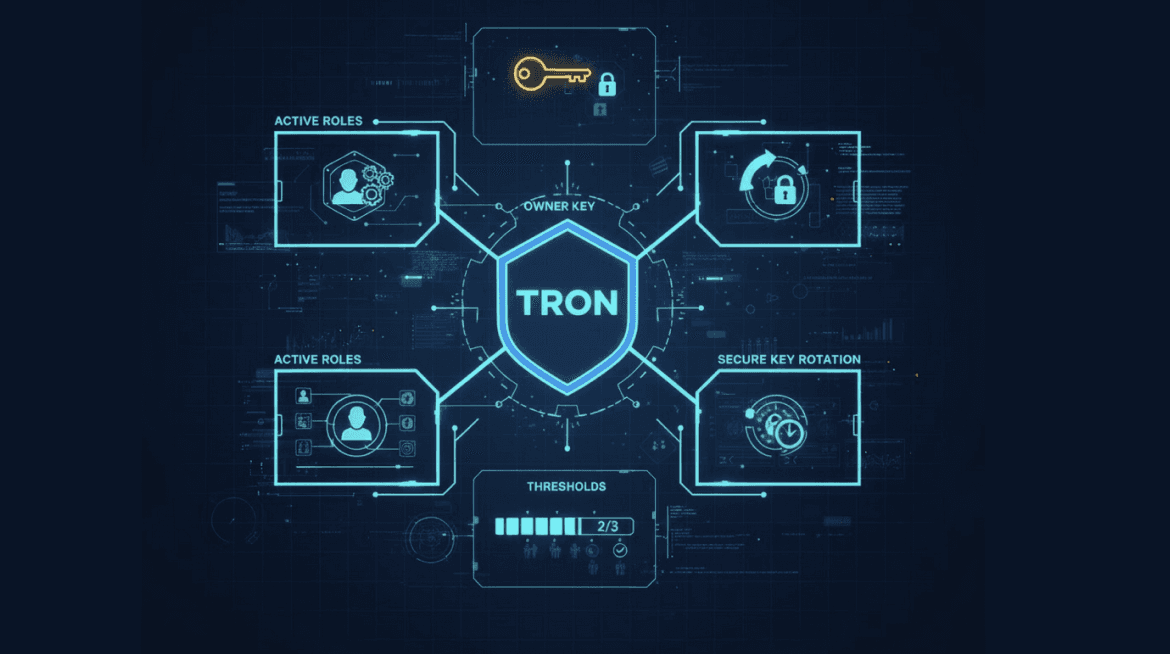
TRON uses a permission model where control is distributed through roles, weights, and thresholds rather than a single private key. You manage your account through a structured system in which the Owner key defines configuration authority, while Active keys handle daily operations.
This separation reduces the risk of losing access and enables safe key rotation without moving assets. If you operate valuable funds or coordinate within a team, this model becomes the foundation of your security, determining who can perform which actions inside your TRON account.
Why TRON account permissions matter more than “just a private key”
In TRON, the system relies on roles, weights and thresholds, meaning every operation follows rules you define. A misplaced weight or an exposed Active key can unintentionally grant access, while an incorrect threshold may block you from managing your own account. When permissions are configured correctly, the account behaves predictably and remains resilient. When they are not, even a small oversight can lead to unauthorized actions, frozen balances or complete loss of control.
TRON’s multi-layer permission structure: how owner, active and witness roles shape ontrol
TRON distributes account control across separate permission layers, so different actions require different authority. Instead of one private key, the system uses roles with defined weights and thresholds. This protects you from accidental exposure, unwanted transactions and misconfigurations.Owner handles governance changes, Active covers daily use, and Witness operates at the network level, creating a predictable and secure way to manage assets.
Account features
A TRON account is made of permission objects that store keys, weights and thresholds. These settings determine who can sign actions and how much authority each key has, making permission configuration the real foundation of your security.
Owner permission: the master control key
Owner permission controls all configuration changes, key management and ownership transfers. It must be kept offline and used only when necessary, because losing this key means losing the entire account.
Active permission: the day-to-day operations key
Active permission handles routine tasks like transfers and contract calls. It has limited authority and clear thresholds, reducing damage if exposed. It’s designed for daily use without putting the Owner layer at risk.
Witness role in TRON permissions
Witness permission is for Super Representatives and validators. It covers block production and consensus actions, not user balances or contracts. Regular users don’t interact with this layer; it exists to secure the network, not manage individual accounts.
Thresholds and weights: how multisig works on TRON
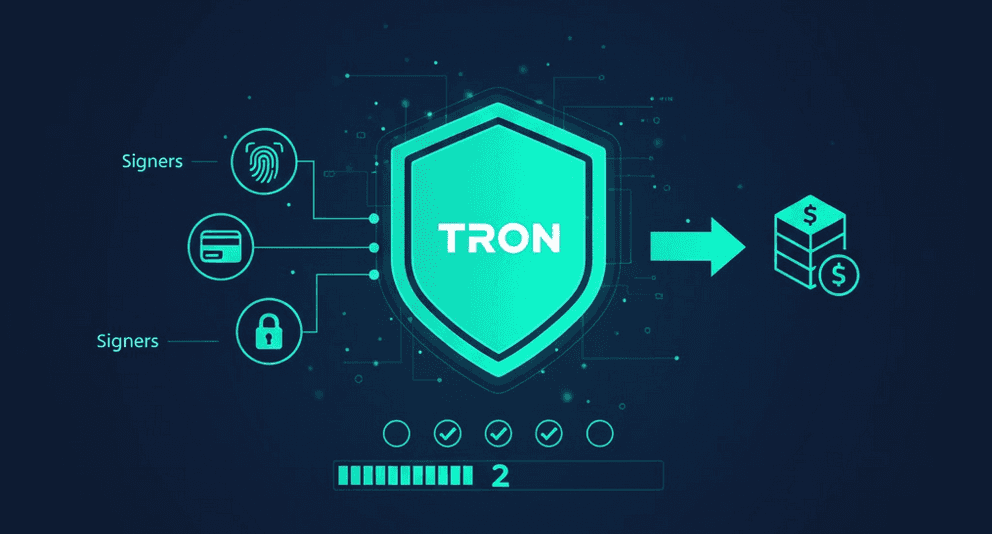
TRON uses built-in thresholds and weighted keys to create multisig without smart contracts. You decide how much authority each key has and what total weight is needed to approve an action. This makes multisig faster, cheaper and more reliable while keeping full control in your hands.
How thresholds and key weights shape permission logic
Each permission in TRON contains two core components: a threshold and a list of keys with individual weights. A transaction is accepted only when the combined weight of the signing keys meets or exceeds the threshold value. You can assign different levels of authority to each key and decide which combinations are powerful enough to authorize an action. The account executes the rule mechanically: if the sum of weights is below the threshold, the operation is rejected, no matter who attempted it.
Turning weights into real multisig rules
Weighted keys allow you to build M-of-N multisig setups without any smart contracts. For example, three keys with weights 1-1-1 and a threshold of 2 form a 2-of-3 scheme: any two keys can approve the action. Five keys each with weight 1 and a threshold of 3 create a 3-of-5 setup.
Changing weights gives you additional convenience: one key may have higher authority, allowing configurations like 1+2=3 to meet a threshold, or a single “trusted” key with weight high enough to act alone. The chosen threshold defines how resilient the permission is to key loss or compromise, balancing security against operational convenience.
Reliable threshold configurations for owner
Use the setups below when you want a permission model that stays safe even if one key is lost or compromised. The first option gives an individual user simple recovery without exposing the Owner key, while the second provides a shared-decision structure for teams.
Scenario | Owner Permission Setup | Active Permission Setup |
Single User | 1 offline key, weight = threshold (1-of-1). | 2 keys with weight 1, threshold 1 (fallback key). |
Small Team | 3 equal-weight keys, threshold 2 (2-of-3). | 5 equal-weight keys, threshold 3 (3-of-5). |
Both configurations can be applied directly and help you avoid accidental lockouts or unilateral control.
Applying owner and active permissions in real life
Use TRON permissions the same way you manage access in real tools: keep sensitive actions under strict control and let daily tasks run on safer keys.
Solo user pattern: cold owner, hot active
A single user benefits from keeping the Owner key fully offline: on a hardware wallet or in cold storage, so it never interacts with apps or the internet. Daily transfers and contract calls are handled through an Active key stored in a mobile or desktop wallet. A simple threshold of 1 keeps operations smooth, while restricted Active permissions prevent accidental changes to the account’s configuration.
Shared control for teams and DAOs
For groups managing shared assets, owners should be distributed among several trusted members with a threshold that requires joint approval: for example, 2-of-3 or 3-of-4. Active permissions can be assigned to operational staff with a slightly lower threshold, allowing routine actions while still preventing unilateral decisions.
Scoped active permissions for bots and automations
When using trading bots, payout scripts or automated services, it is safer to create a dedicated Active permission with limited capabilities. This key should only allow the required operations, for example, sending small amounts or interacting with a specific contract. Restricting scopes keeps automation functional without granting it the ability to modify permissions or move all funds, reducing risk if the automated key is compromised.
Common permission mistakes to avoid
Most access issues come from misconfigured settings rather than lost keys. The biggest risks appear when thresholds don’t match the weights of your available keys, when an Active key is removed before its replacement is tested, or when a new address is given high Owner authority without confirming it can actually sign. To avoid these errors, first check new keys, verify that they meet the required threshold, and only then delete old or unused keys.
Safe key management and rotation on TRON
To keep your TRON keys secure, keep your key in the right place: securely owned, active and accessible, and replaceable without risk of losing access.
Threat models for owner and active keys
If you handle your keys carelessly, you face real theft risks that must be controlled and prevented:
Owner key. A leaked seed phrase, an infected laptop or an old backup falling into the wrong hands can cost you the entire account. There is no recovery if someone gets access to this key, it gives full, irreversible control.
Active key. This key is exposed to everyday threats: phishing pages, fake wallet apps, malicious dApps or a compromised phone. Because you use it regularly, attackers target it first. It must stay easy to replace.
Team access. In shared environments, a common risk is a former employee or partner still holding a valid key. Without rotation, that person keeps the ability to sign actions long after their access should have been removed.
To rotate keys safely add the new key with the right weight, test that it can sign the required actions, and remove the old key only after confirming the new one works.
Planned vs emergency rotation scenarios
Key rotation happens for two different reasons:
Planned rotation. You rotate keys when nothing is wrong, for example, when you get a new device, update your security setup or reorganize a team. You have time to add the new key, test it, and then remove the old one.
Emergency rotation. This is for moments when something might be compromised: unusual activity, a lost phone, a leaked seed phrase or a device you no longer trust. Here you act fast, add a clean key, make sure it works, and immediately remove the risky one.
TRON permission risks and scam patterns
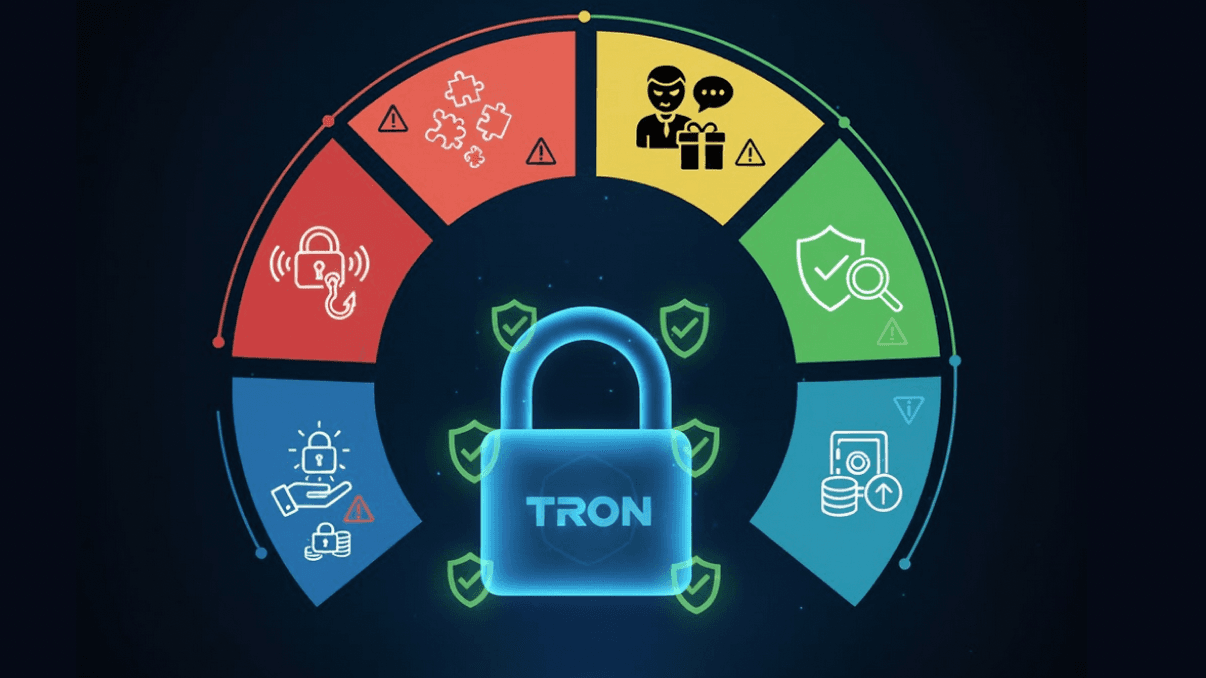
Many TRON scams don’t target your private key, they target your permissions. One hidden change to Owner or Active rights is enough to lose control.
Honey-pot wallets: You import a key, see “free tokens,” but you don’t have Owner or Active rights. You can’t move anything and only waste TRX on fees. If your address isn’t listed in the permissions, it’s not your wallet.
Hidden permission updates: Malicious dApps may hide an AccountPermissionUpdate inside an “Approve” or “Claim” action. Signing it can add a new key, change thresholds or hand over control. Always check the transaction type and permission changes before signing.
To verify a transaction quickly, make sure no new Owner or Active keys are added, thresholds stay the same, the action is not a permission update, the dApp URL is genuine, and you’re signing with the correct key.
FAQ about TRON permissions
Can I recover funds if I lose the owner key?
The Owner key controls the entire permission structure, and without it you cannot change Active keys, adjust thresholds or restore access. If the Owner key is gone, full control of the account is gone as well. The only prevention is safe offline storage and planned rotation.
Do I really need multisig if I’m the only person using the wallet?
A simple 1-of-2 setup gives you a backup Active key, so you don’t lose access if your device fails, while the Owner key stays safely offline.
How often should I rotate my TRON keys?
Rotate Active keys when you change devices or suspect a leak. Rotate Owner keys occasionally, for example, once a year, so they never stay unchanged for too long.
Is TRON multisig a smart contract or a protocol feature?
It’s a native protocol feature. Multisig on TRON works through weights and thresholds built directly into the account model, not through a contract. This makes it cheaper, faster and harder to break.
How can I move to another wallet app without breaking my permissions?
Simply import your existing keys into the new wallet. Permissions are stored on-chain, not in the application, so switching apps does not change Owner/Active rights or thresholds. The only rule: never expose the Owner key to apps you don’t fully trust.
Liens : Assistance | Bot
Dernière publication